
 +86 187 3810 5965
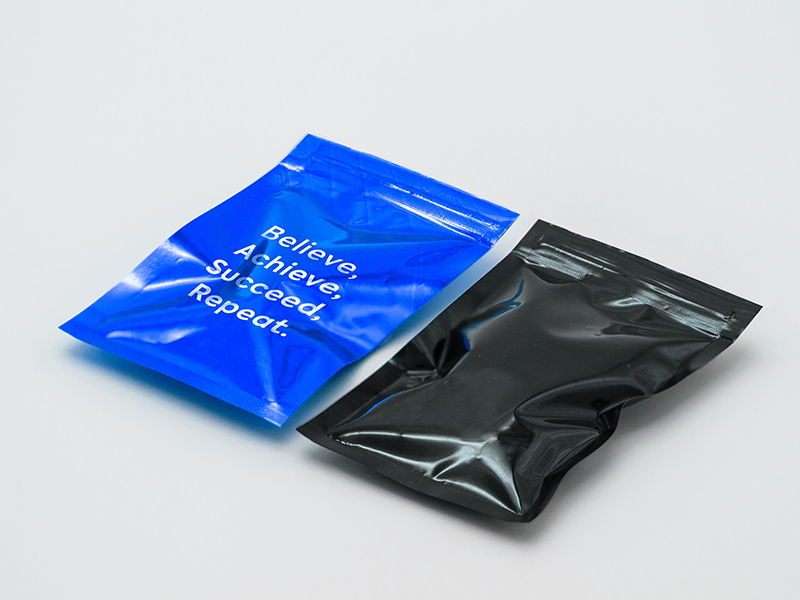
Glossy packaging looks attractive on the shelf, but its smooth, low-absorption surface can make industrial printing more difficult.
These are the most common phenomena that occur in actual inkjet printing. So how can manufacturers print clear, durable variable information on glossy packaging?
This article will show you how to choose the right inkjet printing technology and ink for glossy packaging.
The smoother and less absorbent the surface, the more important ink adhesion, drying, and ink-substrate compatibility become.
Printing Problem | What You May See | Possible Cause |
Smearing | Code spreads after printing | Slow drying / poor adhesion |
Poor adhesion | Code rubs off easily | Ink-substrate mismatch |
Blurry characters | Edges look soft | Ink spreading |
Broken barcodes | Missing or distorted lines | Poor drop placement |
Low contrast | Code is difficult to scan | Ink/surface combination |
Inconsistent quality | Different results during production | Surface or ink condition changes |
These printing problems on glossy packaging are usually related to ink adhesion, drying, drop placement and substrate compatibility.
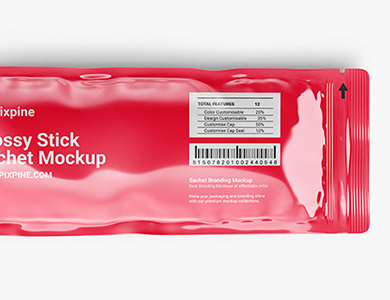
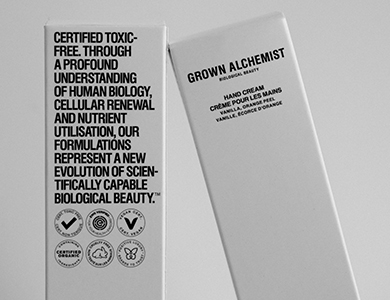
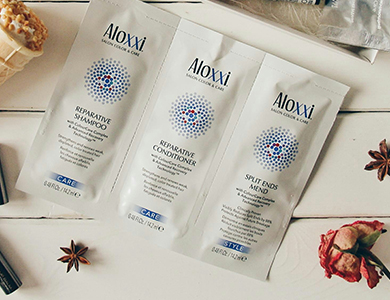
Glossy Plastic Films | PE, PP, PET |
Laminated Flexible Packaging | Multi-layer films, Printed/laminated pouches, Sachets |
Glossy Coated Packaging | Coated cartons, Glossy labels, Coated paperboard |
Glossy Bottles & Containers | Plastic bottles, Cosmetics containers, Personal care packaging |
Not all glossy materials behave the same way. The surface finish, material composition, coating and production conditions all affect print performance.
Yes, PIJ UV inkjet printers can produce clear and high-resolution codes on glossy packaging materials, especially when using the right ink for non-porous surfaces.
PIJ technology uses piezo drop-on-demand technology to precisely control ink droplet, helping produce sharp and consistent variable data printing on glossy and non-porous packaging surfaces.
The controlled ink deposition makes PIJ a reliable solution for flexible packaging applications requiring clear and precise product identification.
Glossy and non-porous packaging surfaces can make ink adhesion more challenging. To achieve durable and reliable codes, consider the following solutions:
Plasma treatment uses high-energy particles to remove these surface contaminants and create a cleaner surface for printing.
Standard inks may have limited adhesion on smooth packaging materials and can be easily removed by rubbing.
For glossy and non-porous substrates, UV-curable ink can provide strong adhesion and faster drying when properly matched to the packaging material.
UV curing is an important technology for high-resolution printing on plastic and other non-porous packaging materials. UV ink can be cured almost instantly under UV light, helping improve adhesion while delivering excellent resistance to abrasion, alcohol and other external factors.
After above introduction, I suspect that you have already had a preliminary idea for the inkjet printing scheme on the glossy packaging. So how to choose the right inkjet printing equipment? Just take a look at the tips below.
①Ink compatibility
Does the PIJ UV printer support inks designed for your substrate?
② Print quality
Can it produce the required text, barcode or QR code?
③ Production speed
Can it keep up with your packaging line
④ Drying and adhesion
Does the code remain readable after printing?
⑤ Integration
Can it connect with conveyors, sensors, PLCs and other line equipment?
Actually, the right printer is not simply the one with the highest resolution. It is the one that delivers reliable print quality on your actual packaging material at your required production speed.
Glossy packaging is not difficult to print simply because it is glossy. The real challenge is achieving reliable ink adhesion, drying and drop placement on a smooth, low-absorption surface.
By matching the substrate with the right ink and printing technology, manufacturers can achieve clear and reliable variable-data printing on glossy packaging.
Send us your packaging material and printing requirements for a sample printing test.