 +86 187 3810 5965
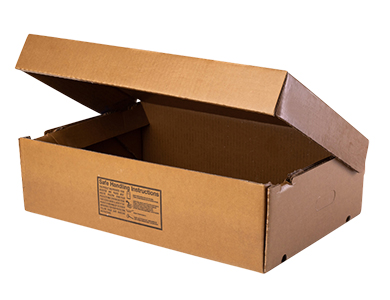
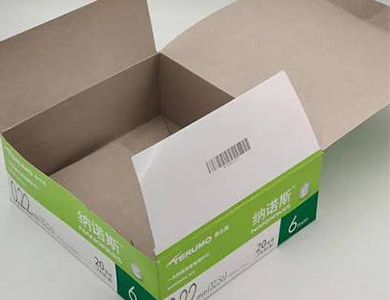
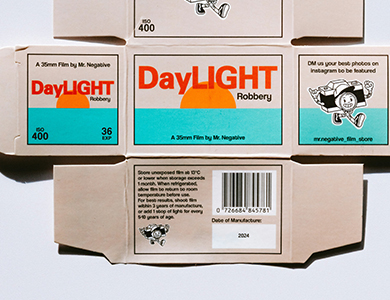
The coating seals the surface, so ink sits on top instead of soaking in. That means slow drying, constant smearing, and codes that rub right off. Then you add high-speed production lines into the mix — and suddenly, something as simple as printing a batch number becomes a daily headache.
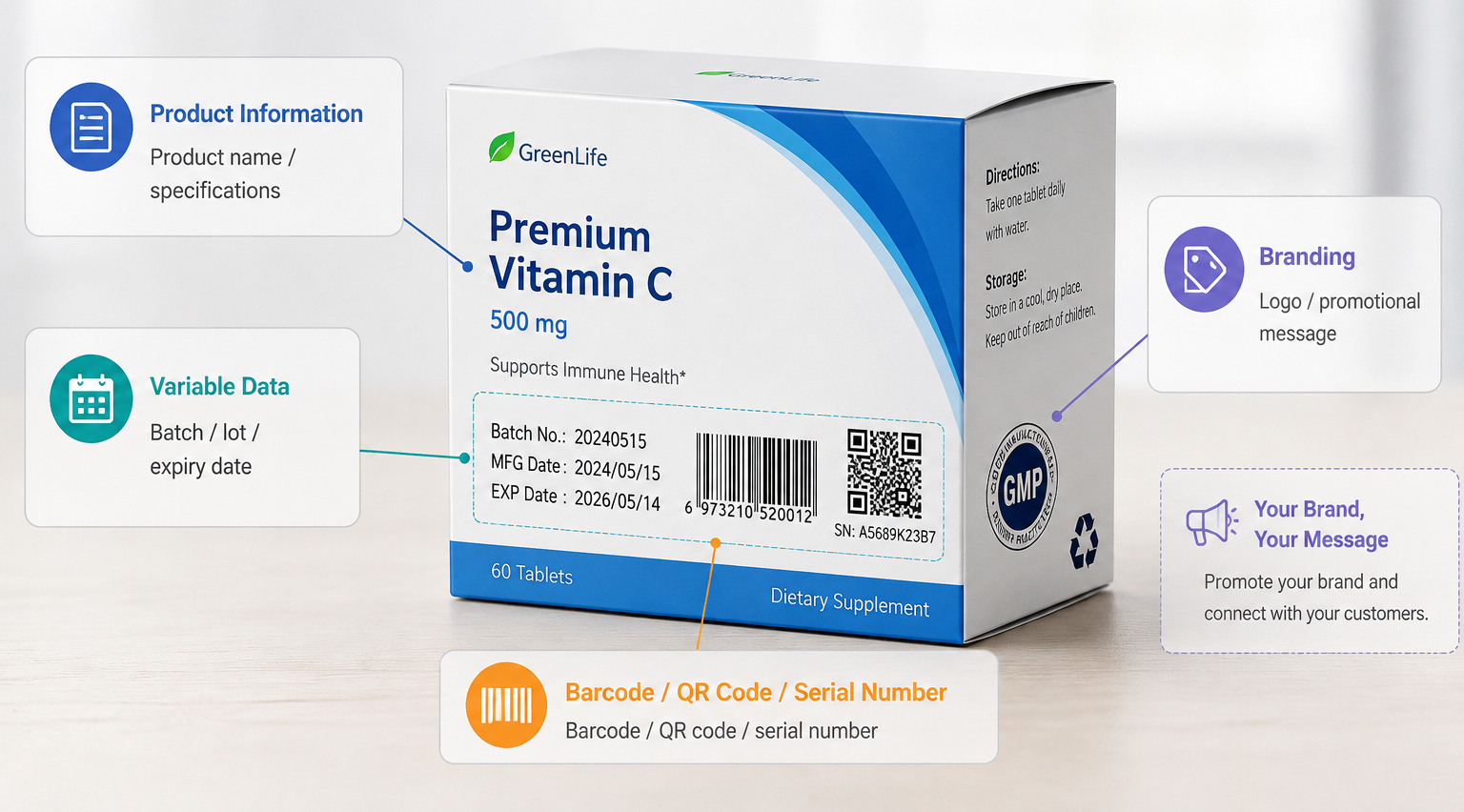
So what do you actually need to put on these cartons? Product names, expiry dates, barcodes, QR codes, lot numbers. Some stay the same on every box, some change with every run. And every single one has to stay readable from the factory floor to the customer's hands.
That's where the right inkjet technology comes in. Not every printer handles coated surfaces well. Choose wrong, and you're wiping smudges off cartons all day. Choose right, and clean, scannable codes print at speed, box after box.
Let's walk through what actually works and what doesn't.
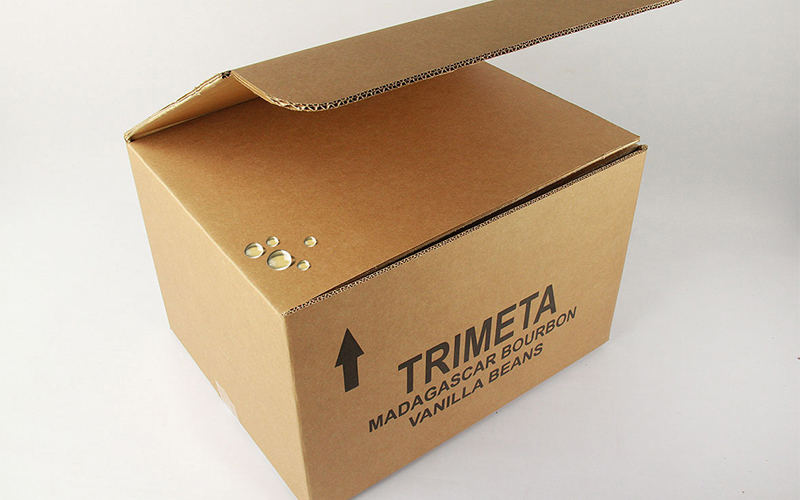
Standard printers often struggle on coated stock—and it’s rarely just about DPI. Coated board brings unique physical hurdles:
Non-Porous Surfaces: Clay coatings and glossy varnishes stop water-based inks from absorbing, causing ink pooling.
Drying & Adhesion Issues: Ink sitting on top dries slowly. Without the right chemistry, it rubs off during downstream handling.
Small Code Readability: High-density barcodes and micro-text bleed easily on smooth surfaces, triggering automatic scanner rejections.
High Line Speeds: Conveyors move fast. If ink doesn't cure almost instantly, friction wipes the printed data right off.
This is why matching the printer technology and ink chemistry to your carton surface is so critical.
Requirement | Why it matters on coated cartons |
High print resolution | Keeps small text and codes sharp |
Good ink adhesion | Prevents rubbing and smearing |
Fast Drying | Important for high-speed lines |
Stable printing | Maintains consistent code quality |
Flexible print height | Supports different carton sizes |
Easy integration | Fits existing packaging lines |
A high resolution inkjet printer can produce fine characters, logos, barcodes, and QR codes with clear detail.
This is particularly useful when printing areas are small or when machine-readable codes need to maintain reliable scanning performance.
Piezoelectric printheads precisely control ink droplets, helping produce clean and consistent printing on smooth carton surfaces.
The focus here is not simply the technology itself, but the ability to place ink accurately where it is needed.
Learn more about how PIJ technology works →
Inkjet printing is well suited to information that changes during production, including:
This provides flexibility when different batches or products require different information.
A suitable printer should maintain print quality as production speed increases.
The printer, ink, print distance, and conveyor speed all need to be properly matched. Maximum speed alone is not a useful measure if print quality drops at that speed.
Printing technology | Best for | Main Consideration |
High resolution inkjet (Piezo inkjet) | Text, logos, barcodes, variable data | Ink and surface compatibility |
CIJ | Fast date/batch coding | Lower resolution for fine graphics |
TIJ | Short-run, high-quality coding | Ink cartridge limitations |
TTO | Flexible packaging/ films | Requires compatible material |
Laser | Permanent marking | Surface and contrast |
For coated cartons requiring detailed variable information, high resolution inkjet offers a useful balance of quality, flexibility, and production integration.
For printing codes on non-permeable materials such as coated cartons, the most effective solution is to use UV ink and combine it with UV curing.
Materials | Recommended Ink | Effects |
Coated Cardboard box (Coated Carton) | UV ink | After being printed with UV ink, the ink is instantly cured by UV light, allowing it to adhere firmly to smooth surfaces and providing excellent scratch and wear resistance. |
Common Corrugated Carton | Oil-based ink | The ink penetrates the fibers of the cardboard, ensuring strong adhesion. |
Contact our technical team today with your carton samples, line speed, and coding requirements for a complimentary print test!
Q:Can inkjet printers print on laminated cardboard?
A:Yes, provided they use UV inks designed for non-porous coatings and are equipped with UV curing lamps.
Q:Which ink is best for laminated cardboard?
A:Fast-drying solvent inks or UV-curable inks are ideal for preventing ink bleeding or smudging on glossy surfaces.
Q:Can high-resolution inkjet printers print barcodes on laminated cardboard?
A:Yes; resolutions of 300 DPI or higher enable the printing of high-contrast, scannable 1D and 2D barcodes.
Q:How can ink bleeding on laminated cardboard be prevented?
A:Use fast-drying solvent inks, maintain the proper print distance, or utilize built-in UV LED curing technology.
Q:What is the recommended DPI for printing on laminated cardboard?
A:300 DPI is recommended for barcodes and text, while 600 DPI is recommended for fine text and crisp logos.
Q:Can PIJ printers print on glossy cardboard?
A:Yes; PIJ systems using solvent inks deliver excellent results on glossy surfaces.
Q:How fast can high-resolution inkjet printers print on cardboard?
A:They can achieve line speeds of up to 325 m/min.
[Read more] PIJ vs. CIJ: Industrial Coding solutions→
[Read more] Guide to Piezo inkjet printer →